Use Quaternius Assets In Kenney’s Asset Forge
I really like Medieval Village MegaKit from Quaternius. And since bashing tiles together in Kenney’s AssetForge is really quite convenient, I thought to bring the tile assets over.
Prerequisities
- Download the Quaternius assets - the base edition is free. Consider donating, though!
- Buy the AssetForge - $20 is actually a great deal!
Prepare 3D tiles
Mr. Quaternius includes several versions of the meshes. We are most interested in the OBJ format, since that’s what AssetForge expects. But we need to do some modifications first:
- Copy the
Texturesdirectory into theOBJdirectory. So thatOBJ/Textureshas images inside.
Now, we need edit the .mtl material files. You can open any .mtl file with a text editor, but there is about 176 of them in the basic version, so some shell scripting will make this a lot easier. The material file looks something like this:
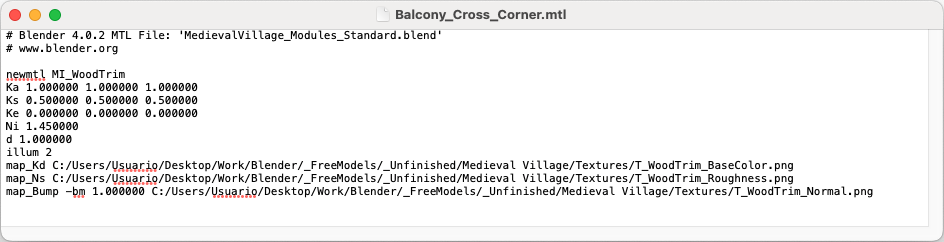
- Let’s reference the textures we just copied. The paths to the textures are absolute paths on Mr. Quaternius’ computer (I assume). We need to change them to relative paths.
find . -name "*.mtl" -type f -exec sed -i '' \
's%C:/Users/Usuario/Desktop/Work/Blender/_FreeModels/_Unfinished/Medieval Village/%%g' {} +
Note
I’m using the % symbol as a delimiter for the substitution command. Slash / is probably most common, but you can actually use any symbol in there! This way I don’t have to escape all the slashes in the expression.
Note
I’m on MacOS, so I’m using sed -i '' here, but if you’re on Linux, you might not need the empty string there. I think it’s a MacOS/BSD quirk
At this stage, AssetForge will load the models and their textures, but all of them will be incredibly dark or black. This is because the .mtl doesn’t actually specify any diffuse color, so AssetForge falls back to black.
- Give every
.mtlfile a white diffuse color. This can be done by appending a newKdline right after the line beginning withKa. I think the location doesn’t matter much.
find . -name "*.mtl" -exec sed -i '' '/^Ka /a\
Kd 1.000000 1.000000 1.000000
' {} +
Import into AssetForge
AssetForge can load custom models from its dedicated directory. You can open that with a menu item:
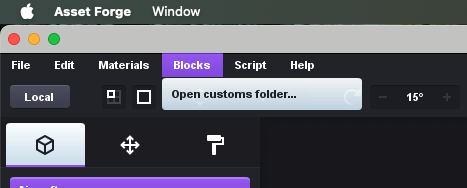
On MacOS, this opens to inside of the app directory - specifically to AssetForge.app/Collections. In the Collections folder I created a Quaternius2 directory (I’m writing this blog after a couple of attempts haha). In there I copied all contents of the OBJ folder from the asset pack.
Restart AssetForge for the changes to take effect! And expect the next startup to take a little while, the app is rendering and caching thumbnails :)
After this, you should be able to assemble medieval villages inside of AssetForge nicely!
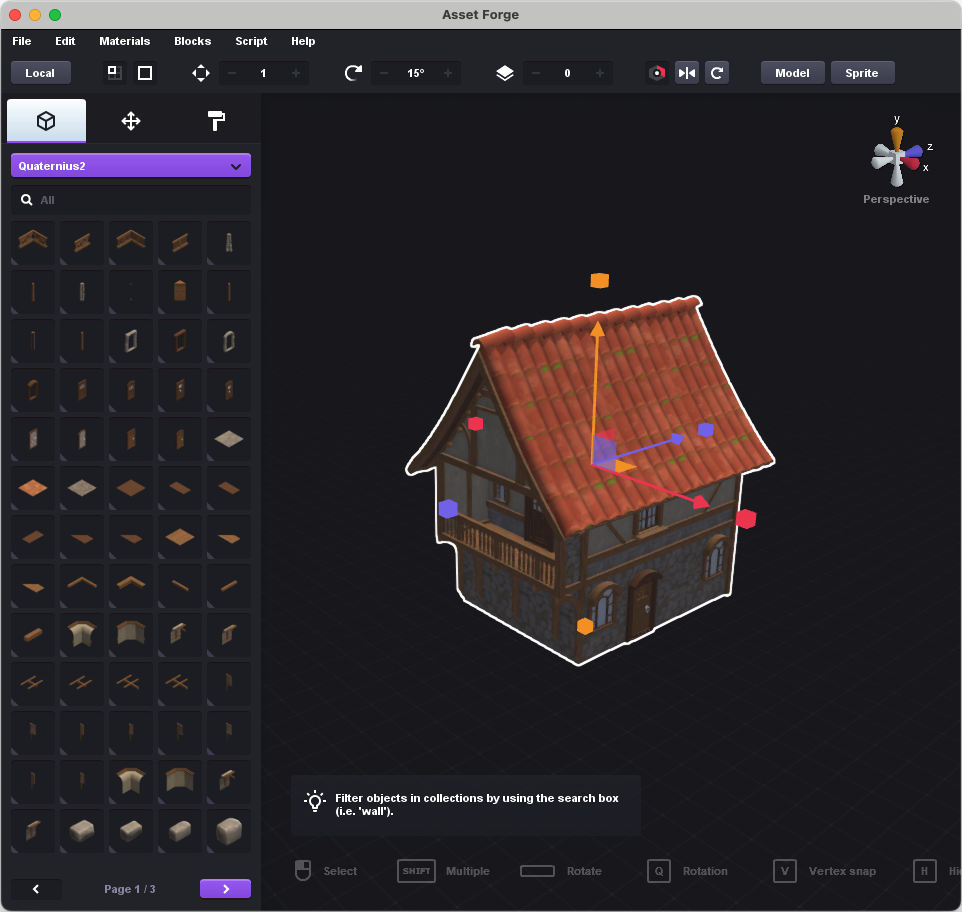
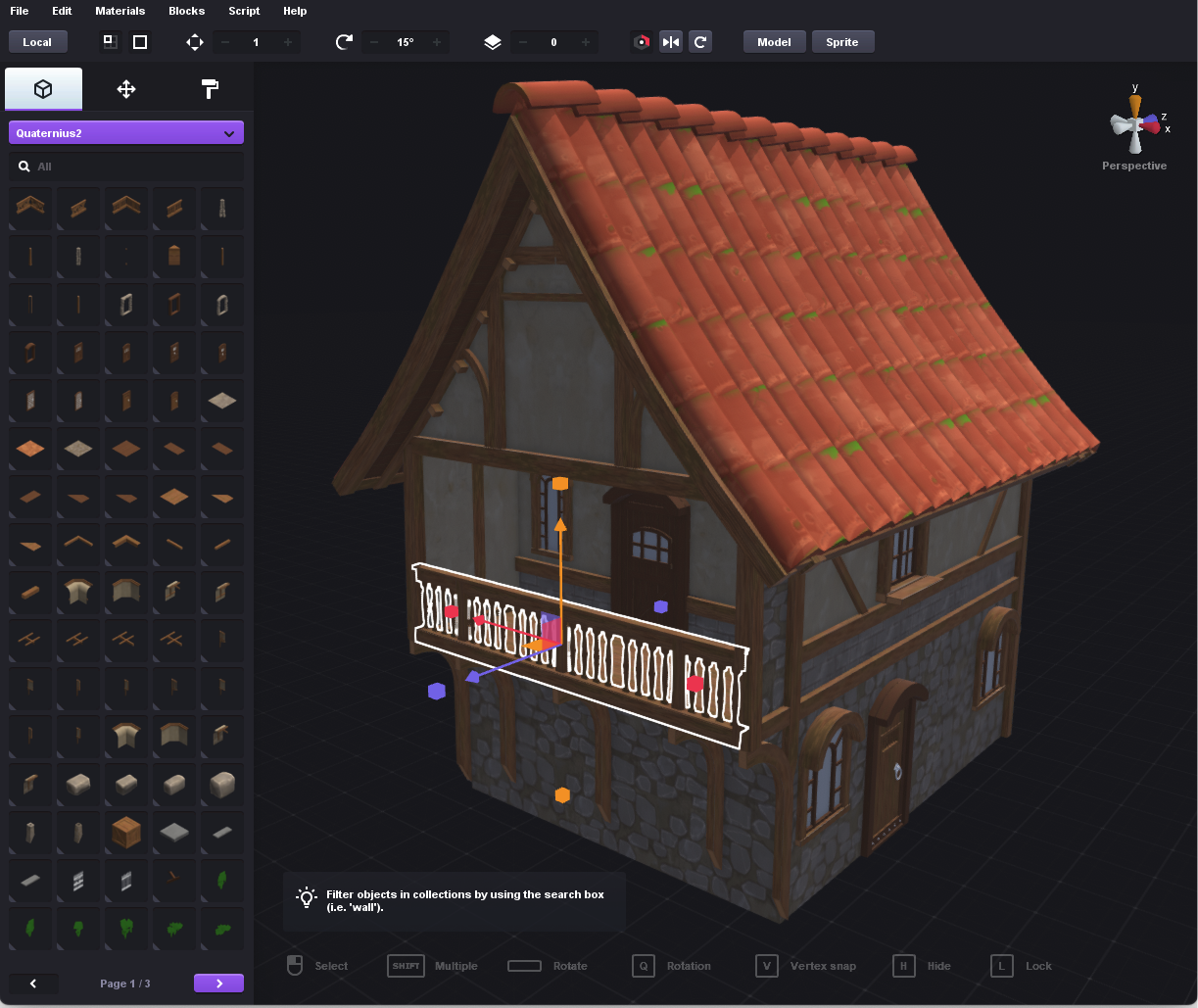
It really works quite nicely! The only thing I noticed, is that Ctrl+Z takes a long time, better not do it. I guess AssetForge is used to handling simple meshes than these.
Showcase in Godot
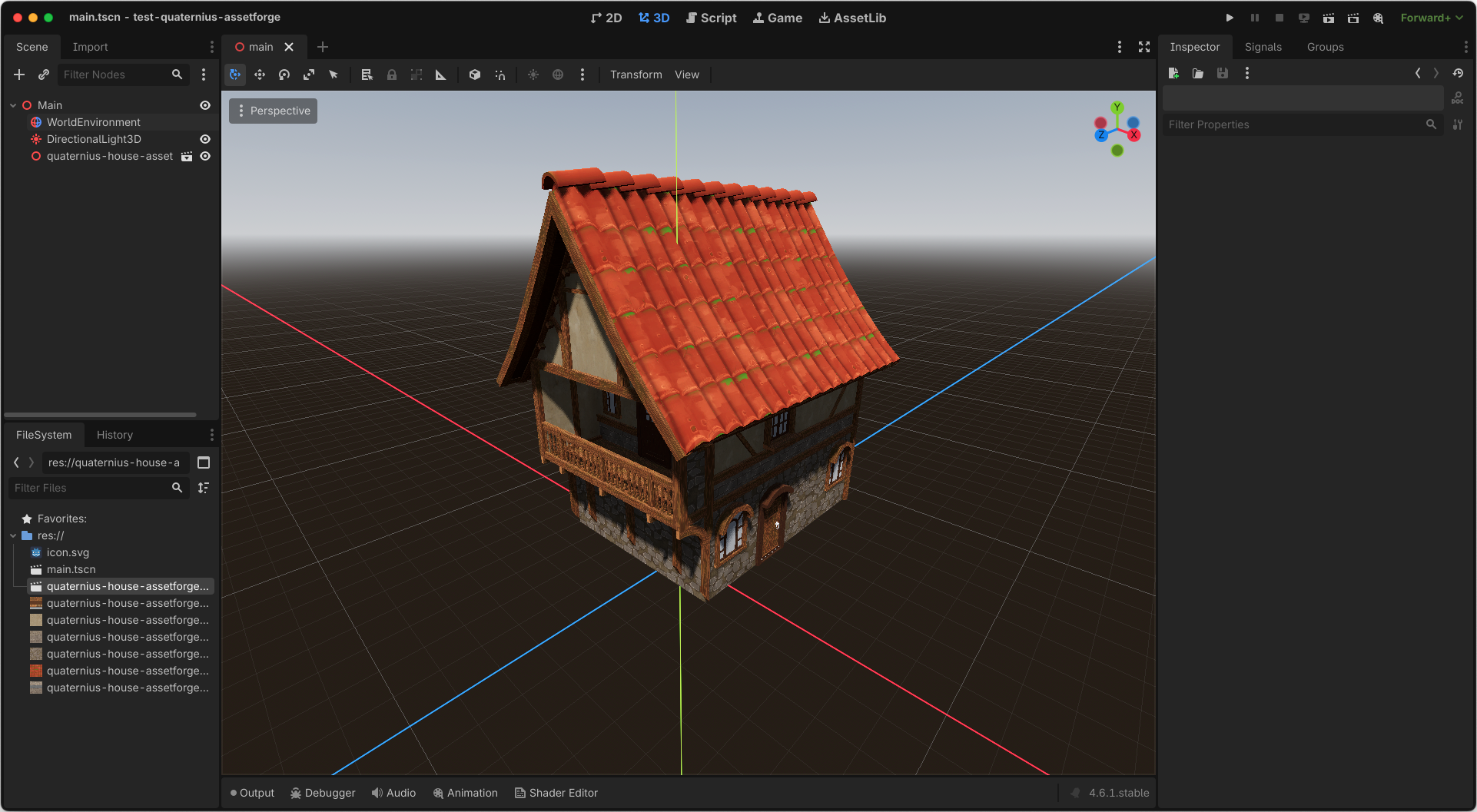
The same house, looking nice in a 3D engine!
Troubleshooting
If you eagerly loaded the models into AssetForge right after step 2, the thumbnail images will be very dark. Completing step 3 doesn’t help - they are cached. To fix this, I nuked the entire AssetForge cache directory:
rm -rf $HOME/Library/Application\ Support/com.kenney.assetforge/cache